Getting Started

Add a New Widget
Widgets are the building blocks of your content. Adding widgets is simple. If you are in editing mode (just add /scrivito/ to the URL above and switch from Preview mode to Edit mode) you will see a green frame around this text when you hover over it. Green frames are used for widgets containing content. You will also see yellow frames, meant to contain other widgets and blue frames meant to contain navigations. To add a new widget click on one of the green boxes with a white plus sign above or below the green frame. Then select the widget from the Widget Browser and add the corresponding content to the type of widget you selected. Go ahead, give it a try!
Add a New Page
Pages have a defined layout and are meant to be a framework to begin editing. To create a new page, activate the Edit mode via the Scrivito panel. Next, note that there are two options for where and how to create a new page. If you want to add a page to the defined navigation hierarchy then select 'Add page' from the menu of a blue navigation handle in the navigation bar. If you wish to add a new page without a link in the navigation you can select 'Create page' from the hamburger/ page menu in the top right corner of this page. How about adding a landing page!?

Different homepage variants
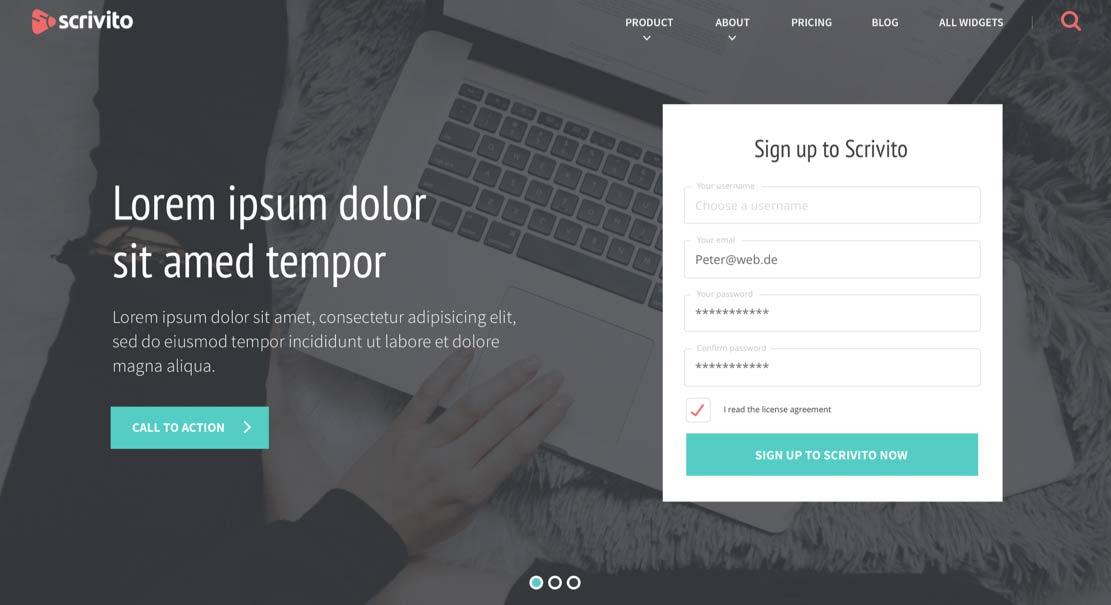
Choose a different homepage variant
Ad elit id sit sunt veniam id et eiusmod laborum velit nostrud. Veniam incididunt aliquip sunt amet eiusmod exercitation est ad et. Nostrud fugiat culpa esse do quis ea duis dolore nisi cillum sint minim id. Do in adipisicing mollit voluptate. Elit do eu quis aliqua.
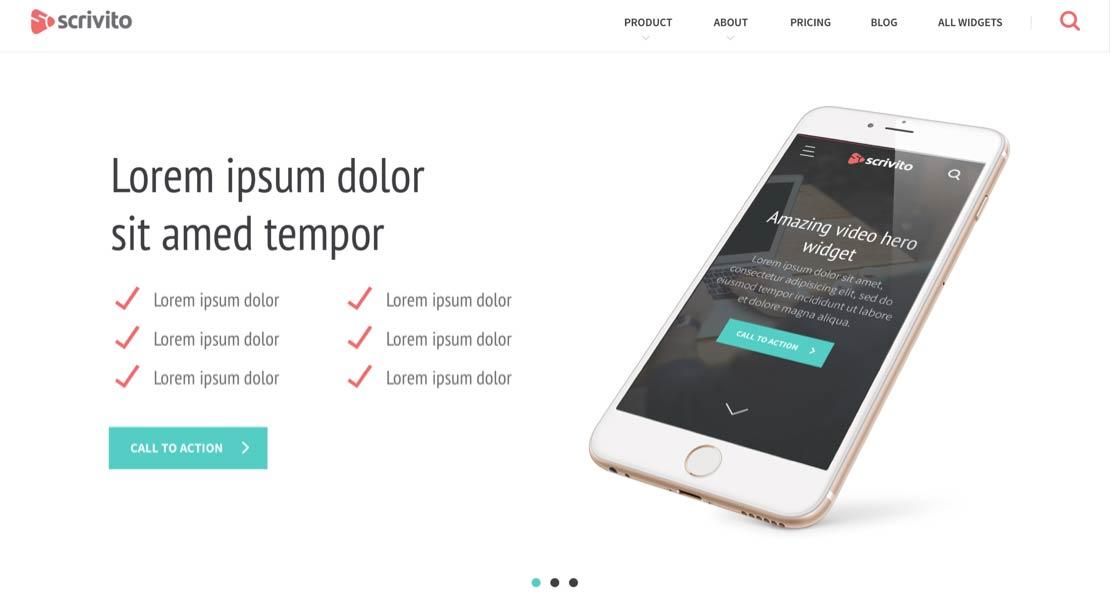
Short collection of our awarded work
Ullamco culpa eu id incididunt sit dolore et eu. Voluptate in officia id aute reprehenderit. Ea proident do ea sunt. Ex amet irure dolore veniam in ex pariatur non voluptate reprehenderit labore id irure. Ullamco elit officia aliqua ad eu mollit sit.